Why the Facebook Ad Library Still Leaves You Guessing
By the FreeSpyAds team ·
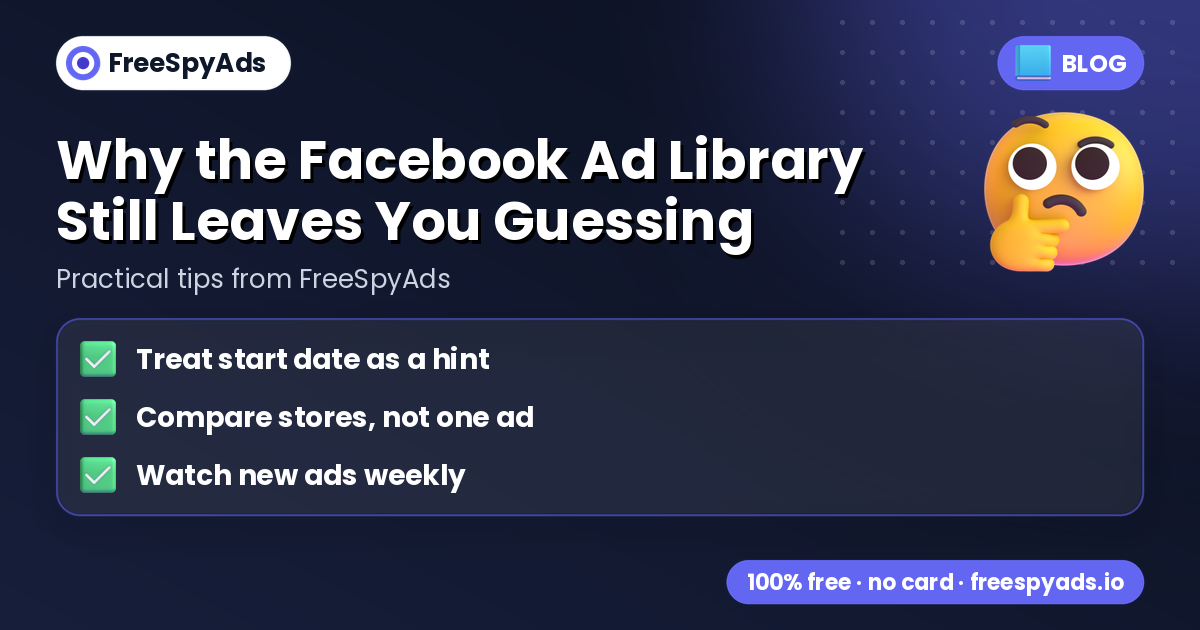
The Facebook Ad Library is free and shows you real creatives, but it stops short of telling you whether a product is worth testing. This article answers why that gap exists and what to check instead.
Direct answer: the ad library shows ads, not outcomes
The ad library shows creatives and start dates but no spend, revenue or conversions. That means you can see that an ad exists and when it started, but you cannot see if it made money for the store running it. Guessing wrong usually comes from treating an ad's existence as proof of success, when it is only proof that someone tested it.
What the start date can and cannot tell you
A long-running ad is worth noting, but treat the start date as a hint, not a verdict. An ad running for weeks suggests the seller hasn't pulled it, which can mean it is still working. But it can also mean the seller simply forgot to turn it off, or is testing a different angle on it. Use the start date as one data point, not the whole picture.
Compare stores, not just one ad
Looking at a single ad tells you about one seller's bet. Compare stores, not one ad, to see if a product is being picked up more broadly. If several stores are advertising the same product, that is a stronger signal than one creative looking good. FreeSpyAds shows stores selling the same product so you can see this pattern instead of judging from a single ad.
Watch new ads weekly, not just once
Sellers combine the ad library with other free signals like reviews and search trends before testing, because no single source is complete. Watch new ads weekly to catch products gaining traction versus ones that spiked once and disappeared. New ads in the last 7 days and the longest-running ad together tell you if interest is building or fading, which the ad library alone does not show over time.
Build a simple checklist before you test
Before committing budget, run through three checks: treat the start date as a hint, compare stores rather than one ad, and watch new ads weekly. These three habits turn the ad library from a screenshot tool into part of a real research process. For a fuller walkthrough of combining these signals, see the guide to finding winning products.
FAQ
Can the Facebook Ad Library tell me if a product is profitable?
No. It shows creatives and start dates but no spend, revenue or conversion data, so profitability is never visible there.
How many stores should be advertising a product before I trust the signal?
The facts don't set a fixed number, but comparing stores selling the same product instead of judging one ad gives a clearer read than a single creative.
Why check new ads every week instead of once?
Watching new ads weekly shows whether interest in a product is building or fading, which a one-time look at the ad library cannot reveal.